

Every request in one place
Preferences, levels and availability all in one view, instead of spread across ten emails.
Registration requests
Stageo sorts requests by level, age, availability and your own criteria. All you have to do is sign off.

Every request lands in one place, Stageo suggests the groups, and you just sign them off.
Dozens of messages to wade through.
Hours of shuffling rows around.
An email to write to every family.
Afterwards, family by family.
Day to day
Preferences, levels and availability all in one view, instead of spread across ten emails.

Spaces, levels and ages stay on screen while you place each participant.
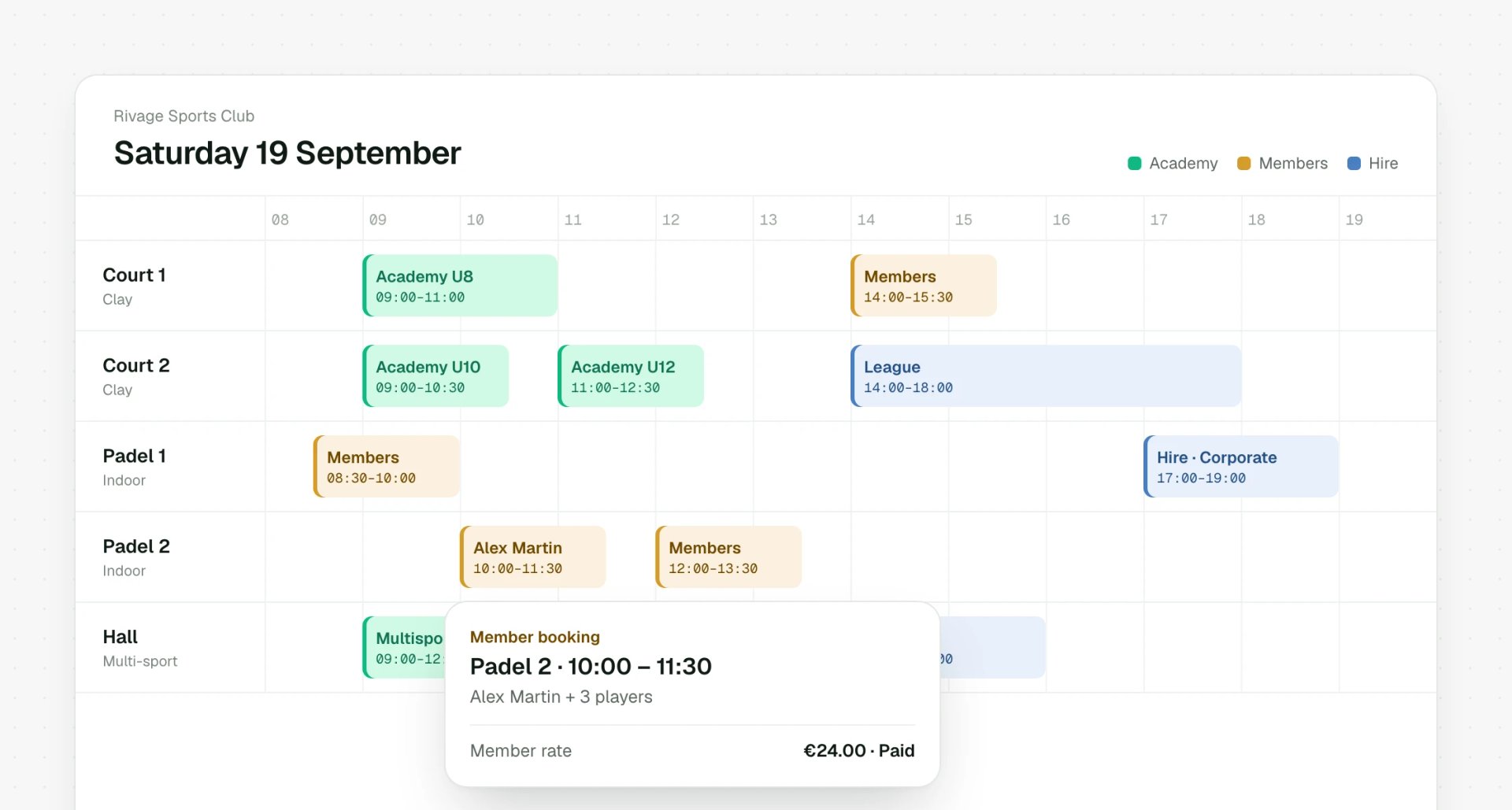
Confirmed groups go straight into your timetable. Nothing to copy across.
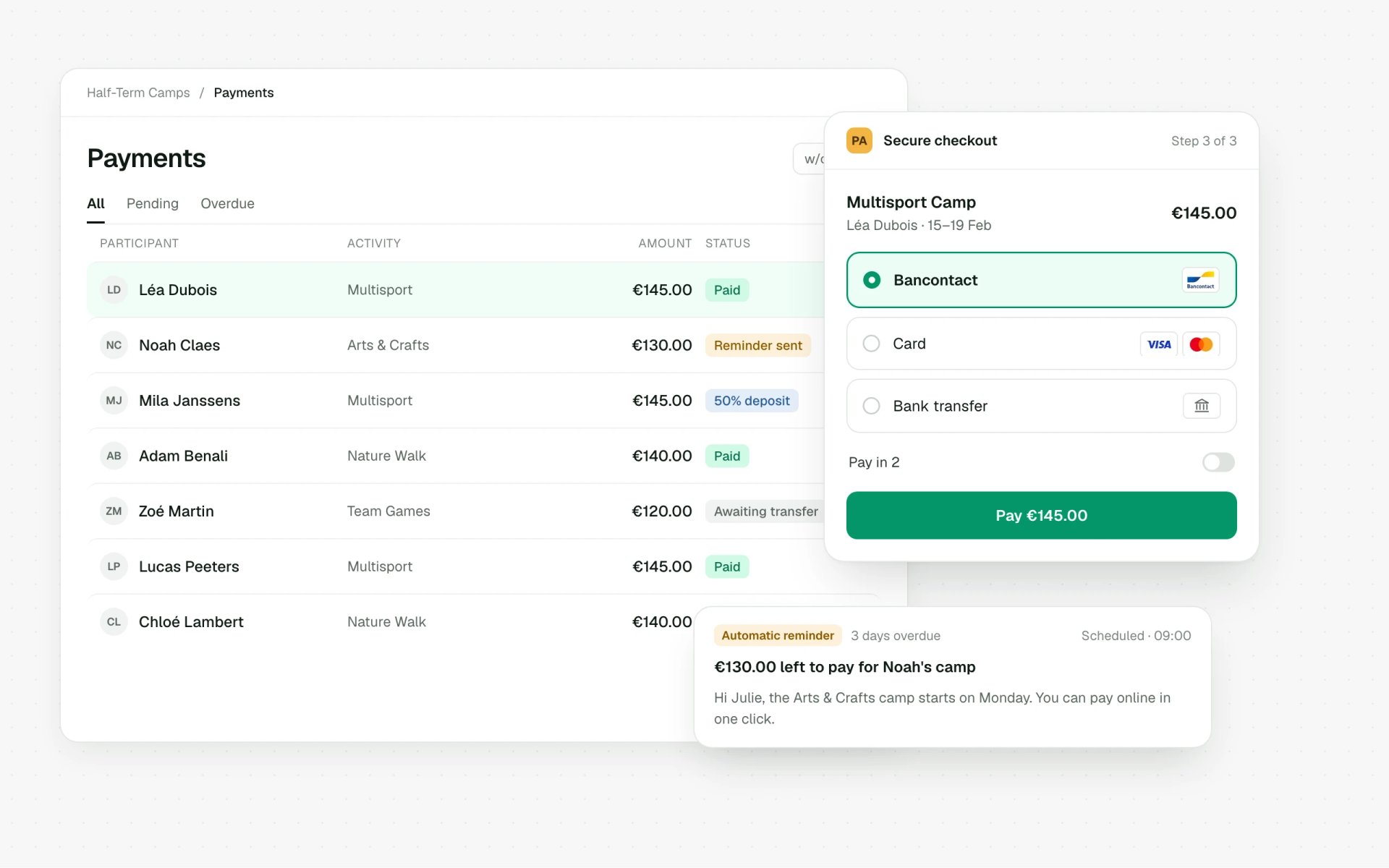
Families are only asked to pay once their place is confirmed, never before.
How it works
Everyone tells you their preferred slots, level and availability.

In detail
Made for the start-of-term rush, when every request comes in at once and every group has to be right.
Sort incoming requests or build groups for an activity, all from the same screen.
Instructor availability, level or anything else: you decide what counts.
Who's it for?
The organisers who rely on it most.
What they say
“We were looking for a simple and intuitive platform capable of bringing together our tennis club and tennis school in one tool: Stageo met all our expectations.”
“Thanks to Stageo, registrations for our courses and extracurricular activities have become child's play. The platform is intuitive and most of our administrative tasks are automated, I recommend without hesitation!”
All connected
Everything you do here feeds straight into your bookings, payments, schedule and each customer's account.

Customers book on their own, by age, by the week or for the whole year.
Découvrir
Courts and halls booked online, at member or public rates.
Découvrir
Groups, registers and health forms, all in your team's app.
Découvrir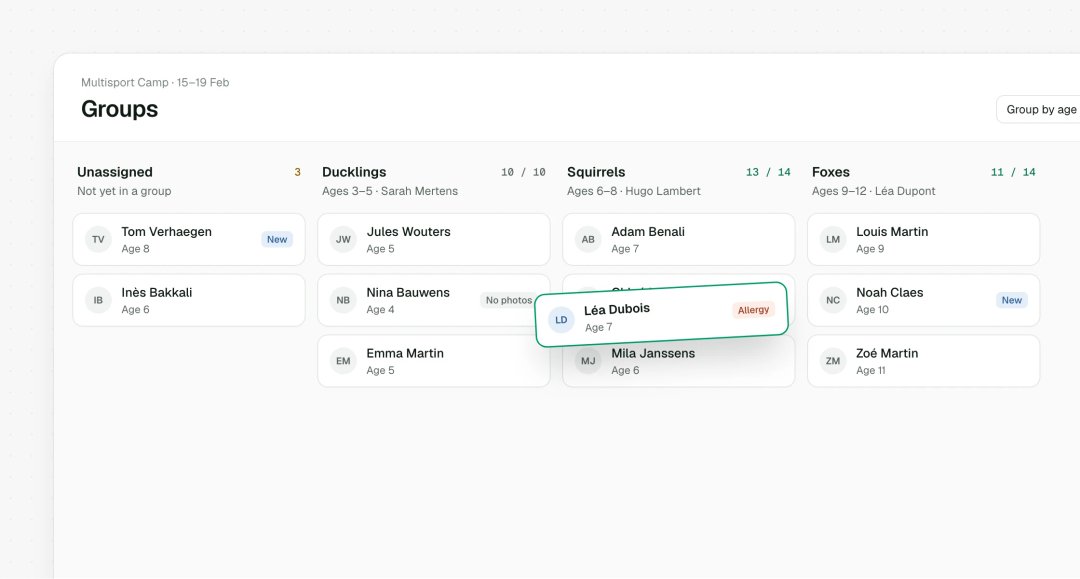
Coordinators and instructors see only the groups their role covers.
DécouvrirYes. Everyone gives their preferences and availability, and you still have the final say on the group.
Two ways, and you can use both. Stageo uses AI to suggest groups based on participant and instructor availability, levels, ages and any other criteria you set. You then fine-tune with drag and drop, with spaces, levels and ages shown for every group.
Once their place is confirmed: the payment request goes out with the confirmation.
They stay on hold and can be placed as soon as a space opens up, just like a waiting list. You can always see who's waiting, and for which slot.
Yes. Confirmed groups show up in each coach or instructor's staff app, with the register to take and participant details.
With online registration, participants book an available place straight away. With requests, they tell you what they'd like and you build the groups, with suggestions from Stageo. You can use both, depending on the activity.
Yes. For a busy activity with lots of participants, split them into groups by level, age, instructor or anything else, and let Stageo suggest a first draft in the same way.
Anyone who builds groups by level or time slot: tennis clubs, padel clubs, swimming schools, dance schools, after-school activities and many more.
Fancy a chat?
In 30 minutes, we'll set up your first groups in Stageo with you.
We use cookies to measure traffic and personalise our ads. Learn more